


Radiography Acquisition and Viewing Software With Full DICOM Workflow
VEOX Workstation WX is the acquisition and viewing software layer across the VEOX portfolio. One platform covers patient and study management, image acquisition, viewing, editing, export and PACS routing, with DICOM 3.0, Store, Query and Retrieve, Modality Worklist, MPPS and DICOM printing supported, alongside multi-vendor detector integration and automatic and manual image stitching.
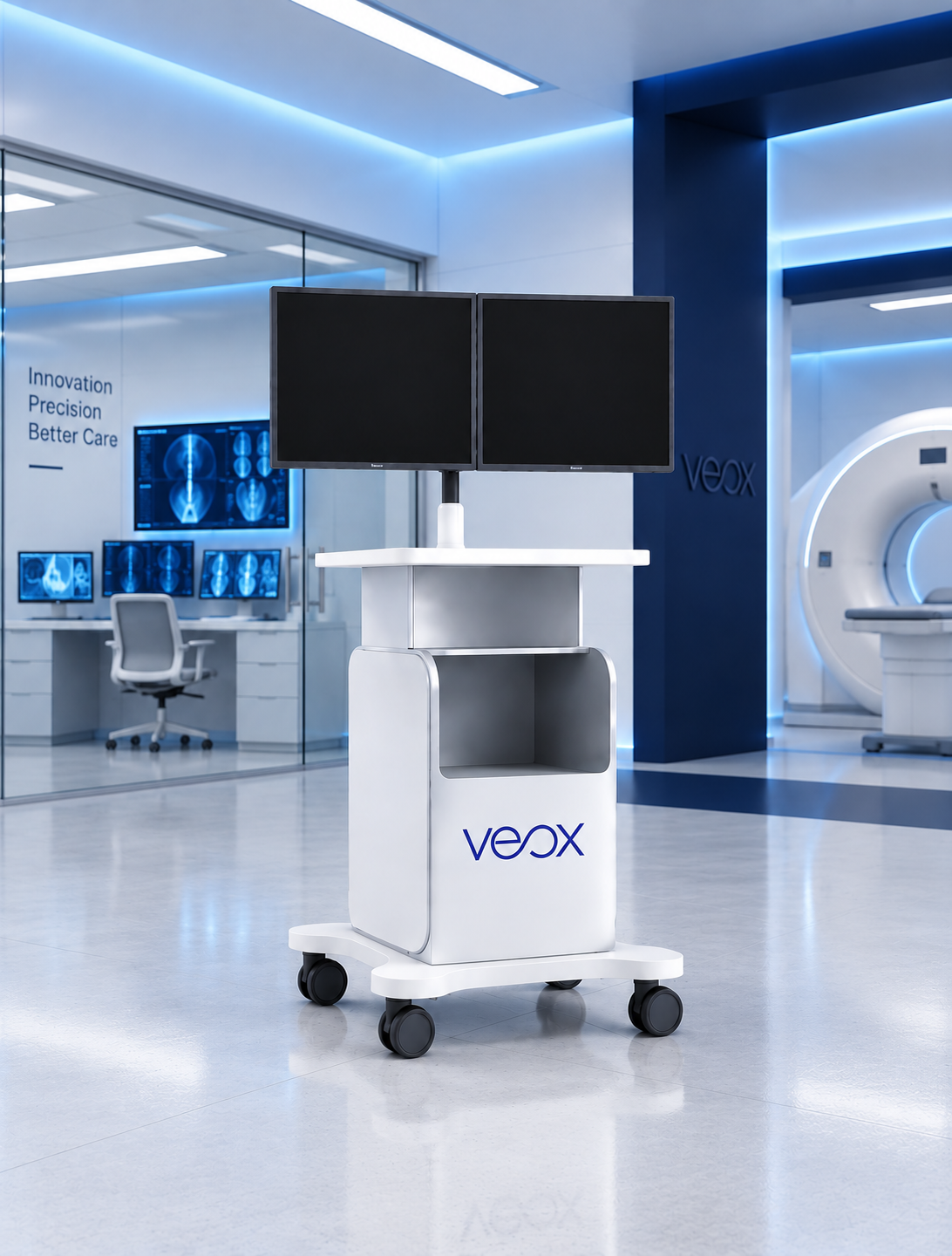
What Is VEOX Workstation WX?
VEOX Workstation WX is the acquisition and viewing software that sits behind every VEOX imaging system. It is a single platform rather than a family of models, covering the full path from patient registration through acquisition and review to archive, so the same interface applies whether the exposure comes from a fixed room, a U-arm, a mobile unit, a portable unit or a C-arm.
Interoperability is the core of it. WX supports DICOM 3.0 with Store, Query and Retrieve, Modality Worklist, MPPS and DICOM printing, so studies are pulled from the worklist, acquired against the correct patient record and routed into the hospital archive without manual re-entry. PACS auto-send removes the export step from the radiographer's routine.
Beyond routing, WX carries the image tools a radiography department actually uses day to day: image enhancement, automatic cropping, grid-line suppression, measurements, study comparison and automatic or manual stitching for whole body, full leg and whole spine examinations.
One Acquisition Platform Across the Whole Estate
Multi-vendor detector integration and multi-detector connection are supported, which means a facility can run VEOX View panels alongside an existing installed base and still work through one acquisition interface. For a hospital upgrading in phases, that removes the need to retrain staff on a different platform for every room.
The practical benefit is consistency. The same worklist behaviour, the same image tools and the same PACS routing apply in every room, which shortens training, reduces error at the point of patient identification and keeps study quality comparable across the department.
- ›DICOM 3.0 with Store, Query and Retrieve, Modality Worklist, MPPS and DICOM printing
- ›Multi-vendor detector integration and multi-detector connection
- ›PACS auto-send, so routing is not a separate manual step
The Tools a Radiography Department Uses Every Day
WX is specified around routine departmental work rather than around a feature list. The capability set covers acquisition, image handling and long-length examinations.
Patient, Study and Acquisition Management
Registration, worklist retrieval, acquisition, viewing, editing and export run in one interface. Modality Worklist and MPPS keep the study tied to the correct patient record and report status back to the information system automatically.
Image Enhancement and Measurement Tools
Image enhancement, automatic cropping, grid-line suppression, measurements and study comparison are included. Grid-line suppression in particular matters in mobile and portable work, where a grid is often used in less controlled conditions.
Automatic and Manual Stitching
Whole body, full leg and whole spine studies are supported with automatic or manual stitching, producing a single continuous image from multiple exposures. This is standard requirement work for orthopaedic, paediatric and scoliosis assessment.
VEOX Workstation WX Capability Matrix
WX is one core platform, not a range of models. The matrix below summarises what the platform covers across acquisition, interoperability and image handling.
| Capability Area | What It Covers | Why It Matters |
|---|---|---|
| Patient and study management | Registration, worklist, study organisation, export | Removes manual re-entry and reduces patient identification error |
| Acquisition | Image acquisition across fixed, U-arm, mobile, portable and C-arm systems | One interface and one training path across the whole estate |
| DICOM | DICOM 3.0, Store, Query and Retrieve, Modality Worklist, MPPS, DICOM printing | Standards-based integration with hospital information systems and PACS |
| Integration | Multi-vendor detector integration, multi-detector connection | Supports phased upgrades and a mixed installed base |
| Image tools | Enhancement, automatic cropping, grid-line suppression, measurement, comparison | Improves diagnostic presentation without a separate post-processing station |
| Stitching | Automatic and manual stitching for whole body, full leg and whole spine | Covers orthopaedic, scoliosis and long-length examinations natively |
| PACS workflow | Auto-send and PACS routing | Studies reach the archive without a separate manual export step |
The complete feature matrix, DICOM conformance detail, integrations and optional modules are provided in the WX technical documentation during the specification stage.
WX Configuration at a Glance
The table summarises the VEOX Workstation platform. WX is supplied as the acquisition layer with VEOX imaging systems and is also the software side of a detector-only retrofit.
Integration is scoped before deployment. Worklist behaviour, PACS destinations, DICOM conformance requirements and the detectors already installed at the site determine how the platform is configured, and those are confirmed during technical assessment rather than at go-live.
Discuss your PACS and workflow integration| Product type | Acquisition, viewing and radiography workflow software |
|---|---|
| Platform | One core product, WX |
| Workflow | Patient and study management, acquisition, viewing, editing, export, PACS |
| DICOM support | DICOM 3.0, Store, Query and Retrieve, Modality Worklist, MPPS, DICOM printing |
| Detector integration | Multi-vendor detector integration, multi-detector connection |
| Image tools | Enhancement, automatic cropping, grid-line suppression, measurements, comparison |
| Stitching | Automatic and manual, whole body, full leg, whole spine |
| PACS | Auto-send and PACS workflow |
| Deployed with | VEOX Fixed, Move, Portable, U, C and VEOX View detector retrofits |
| Advanced modules | Optional modules and licensing confirmed per project |
Where VEOX Workstation Fits
WX is deployed anywhere a VEOX detector or imaging system is acquiring images, and as the software half of a digital upgrade.
Hospital Radiography
Departmental acquisition across multiple rooms with a single interface, worklist behaviour and PACS routing.
Diagnostic Imaging Centres
Outpatient centres needing straightforward acquisition, review and archive routing with limited technical staffing.
Mobile and Portable Fleets
On-board acquisition and review at the bedside or in the field, with routing to PACS when the unit reconnects.
Phased Digital Upgrades
Facilities moving room by room, running VEOX and existing detectors through one acquisition platform.
Supply, Installation and Support
VEOX supplies medical imaging systems to hospitals, diagnostic imaging centres, distributors and healthcare projects internationally, with active coverage across the Middle East, North Africa, the GCC and wider African markets. Requirements differ by market, from tender documentation and regulatory paperwork to electrical supply conditions and service reach, so each enquiry is scoped against the conditions at the installation site rather than a single regional template.
Project Specification
System configuration, detector format and output are matched to the facility, the case mix and the room before quotation.
Commissioning and Training
Installation planning, commissioning and radiographer familiarisation are agreed inside the project scope, not left to delivery day.
Tender and Distributor Support
Technical documentation, catalogues and configuration sheets are supplied for tender submissions and distributor enquiries.
Frequently Asked Questions About VEOX Workstation
What is radiography acquisition software?
+
Radiography acquisition software is the platform that registers the patient, drives image acquisition from the detector, presents the image for review and editing, and routes the completed study to the archive. It sits between the X-ray system and the hospital PACS. VEOX Workstation WX is this layer across the VEOX portfolio, supporting DICOM 3.0 and PACS workflow.
Does WX support DICOM Modality Worklist?
+
Yes. WX supports DICOM 3.0 with Store, Query and Retrieve, Modality Worklist, MPPS and DICOM printing. Modality Worklist pulls the scheduled study directly from the information system so patient details are not typed again at the modality, which is the single largest source of identification error in a busy department.
Can WX connect detectors from other manufacturers?
+
Multi-vendor detector integration and multi-detector connection are supported. A facility can therefore run VEOX View panels alongside an existing installed base through one acquisition interface, which is what makes a phased room by room upgrade practical without retraining staff on multiple platforms.
What is image stitching and does WX include it?
+
Stitching combines several sequential exposures into one continuous image, which is required for examinations longer than a single detector field. WX supports automatic and manual stitching for whole body, full leg and whole spine studies, covering orthopaedic assessment, leg length measurement and scoliosis imaging.
Does WX send images to PACS automatically?
+
PACS auto-send is supported, so a completed study is routed to the archive without the radiographer performing a separate export. This keeps the department's archive current and removes a step where studies are commonly left unsent at the end of a shift.
Does VEOX Workstation include AI tools?
+
VEOX does not position artificial intelligence as the core promise of the workstation. Advanced and optional modules, including any AI or cloud-linked functions, are confirmed per project against the final commercial configuration and licensing. Ask for the current module list when you request the WX documentation.
Complete the Digital Imaging Workflow
Integrating a New Modality With Your PACS?
Tell us your PACS environment, worklist requirements and the detectors already installed. We will confirm how VEOX Workstation WX is configured for your department.